





Complete Guide to Memory Cards in Pakistan: SD Cards, microSD, CFexpress & Choosing the Right Card
Choosing the right memory card is just as important as choosing the camera itself. Learn how SD, microSD and CFexpress cards differ, understand speed ratings and storage capacities, and discover how to match the right card to your camera, action camera, drone or video setup.
Why the Right Memory Card Matters
Your camera can only perform as well as the storage media supporting it.
Buying a camera is often the exciting part of the process, but the memory card deserves just as much attention. Modern cameras can generate enormous amounts of data, and the wrong card can become a performance bottleneck when you are shooting bursts, recording high-bitrate video or working with large RAW files.
A card that cannot maintain the required write speed may slow continuous shooting, interrupt video recording or prevent certain recording modes from being available. This becomes particularly important with high-resolution mirrorless cameras, cinema cameras, drones and action cameras.
Whether you photograph wildlife, cover weddings, record YouTube videos, fly drones or capture travel footage, understanding memory-card technology helps you select storage that matches the demands of your equipment rather than simply choosing the largest capacity available.
How to Check Which Memory Card Your Camera Supports
Start with your camera’s specifications before comparing brands or capacities.
One of the easiest ways to avoid buying the wrong card is to identify the format and performance standard supported by your camera first. Check the camera manual, inspect the card slot, review the manufacturer’s official specifications or ask a trusted camera retailer.
Entry-level and enthusiast mirrorless cameras commonly use full-size SD cards, while compact action cameras and drones generally use microSD cards. More demanding professional systems may use CFexpress media to provide the sustained write performance required for advanced video and high-speed photography.
Do not assume that a card with a higher advertised speed will automatically unlock every feature. The camera itself determines which formats and performance levels it can use.
Understanding the Different Types of Memory Cards
SD, microSD and CFexpress serve very different camera and production requirements.
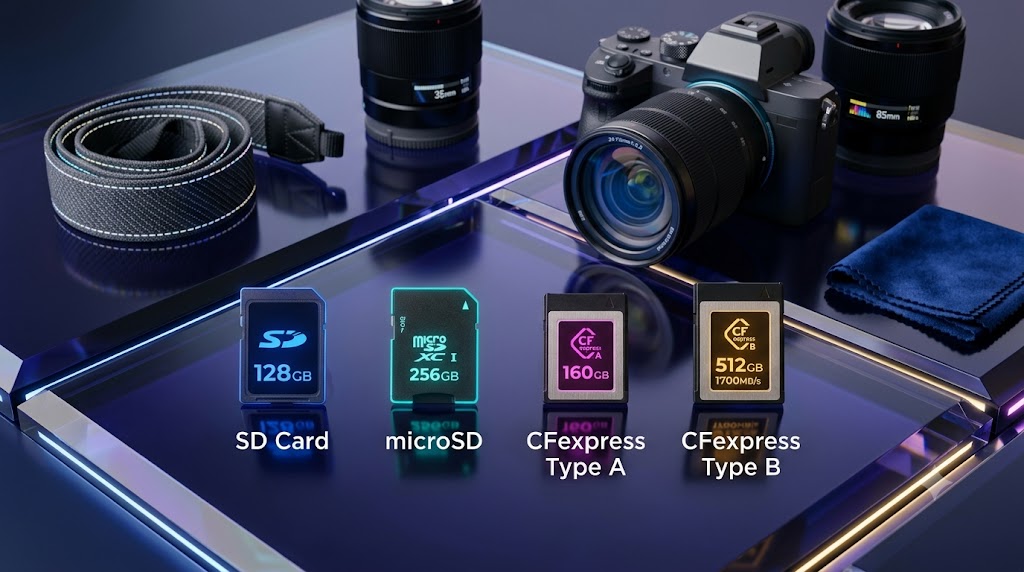
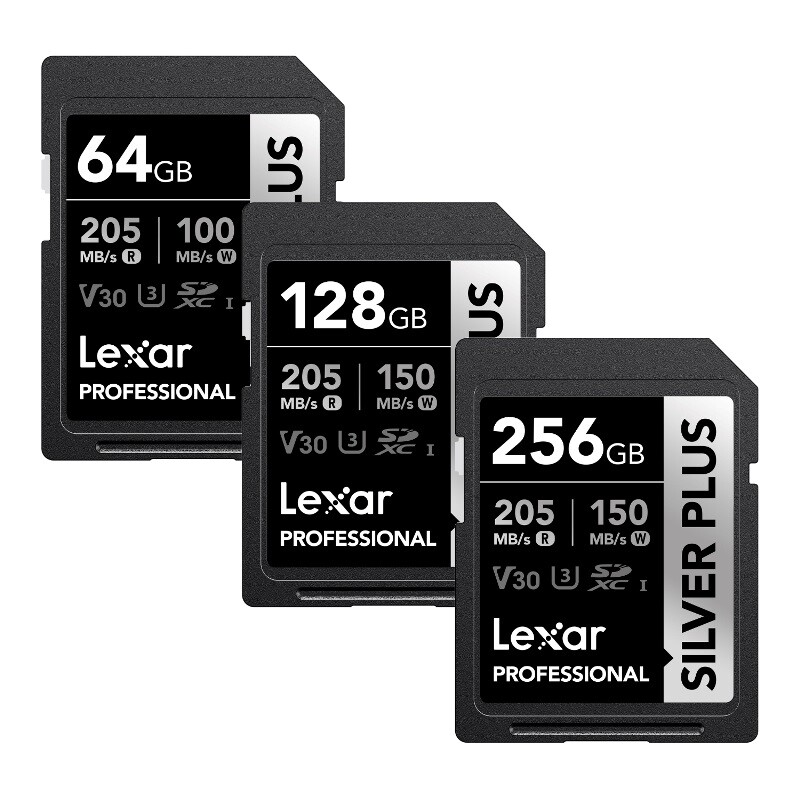
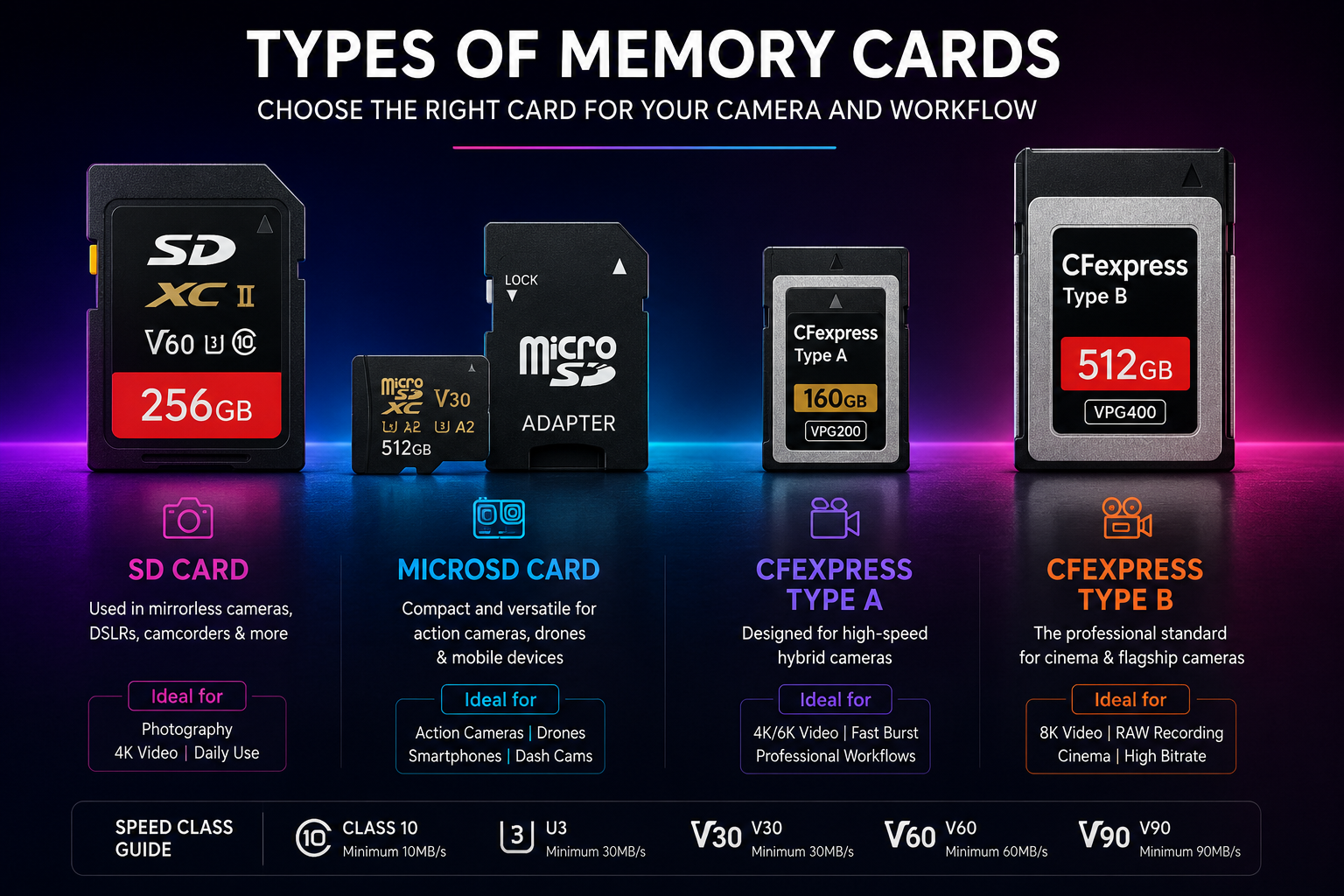
SD Cards
Standard SD cards remain one of the most widely used storage formats in photography and hybrid cameras. They offer a strong balance between capacity, performance, compatibility and price.
They are commonly used in cameras such as the Canon EOS R50, Canon EOS R10, Sony A6700, Nikon Z50 II and Fujifilm X-S20.
microSD Cards
microSD cards are designed for smaller devices where space is limited. They are widely used in action cameras, drones, smartphones, dash cameras and compact recording devices.
GoPro, DJI Osmo Action and Insta360 cameras are common examples of devices that depend on high-speed microSD media.
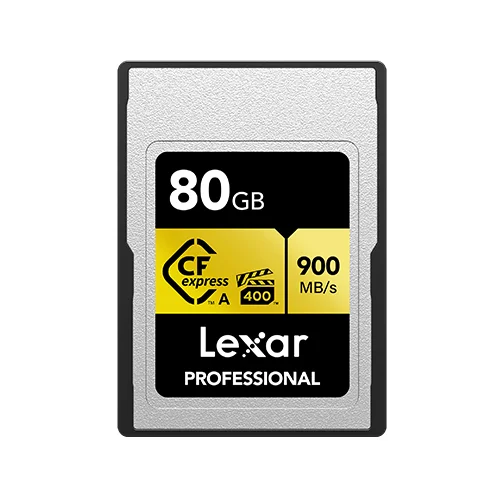
CFexpress Type A
CFexpress Type A cards provide very high performance in a compact format and are used by several advanced Sony hybrid cameras and cinema-oriented systems.
Examples include cameras such as the Sony A1, Sony A9 III, Sony FX3 and Sony A7S III.
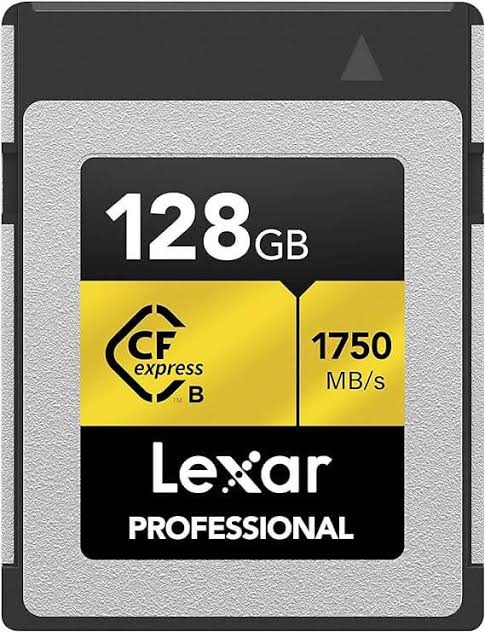
CFexpress Type B
CFexpress Type B is widely used in flagship mirrorless and professional cinema workflows where extremely high sustained write performance is required.
Systems such as the Canon EOS R5 Mark II, Canon EOS R3, Nikon Z8 and Nikon Z9 are designed around this class of media.
SDHC, SDXC and SDUC Explained
These labels describe capacity ranges rather than the complete speed capability of a card.
SDHC, SDXC and SDUC can look confusing when you first start comparing memory cards. The important point is that these designations primarily identify storage-capacity ranges.
| Format | Capacity Range | Typical Use |
|---|---|---|
| SDHC | Up to 32GB | Older and basic storage applications |
| SDXC | 64GB to 2TB | Modern photography and video production |
| SDUC | Beyond 2TB | Newer high-capacity storage applications |
For most photographers and creators, SDXC remains the practical choice because it offers a broad range of capacities and is widely supported by modern cameras.
Understanding Memory Card Speed Ratings
Speed symbols tell you much more than the headline number printed on the package.
Memory cards can display several different speed standards at once. Understanding the most important ones makes it easier to choose a card that matches your camera and recording requirements.
UHS-I
UHS-I cards are widely used for photography, Full HD video and many standard 4K workflows. They are often a cost-effective option for entry-level and enthusiast cameras.
UHS-II
UHS-II cards feature an additional row of contacts and can offer substantially faster transfer and sustained performance than conventional UHS-I cards.
Video Speed Class
V30, V60 and V90 indicate minimum sustained write-performance classes intended to help identify cards suitable for different levels of video recording.
| Rating | Minimum Sustained Write Speed | Typical Application |
|---|---|---|
| U1 | 10MB/s | Basic photography and video |
| U3 | 30MB/s | Modern photography and many 4K workflows |
| V30 | 30MB/s | 4K video and action cameras |
| V60 | 60MB/s | Higher-bitrate 4K and advanced hybrid cameras |
| V90 | 90MB/s | Demanding professional video workflows |
Read Speed vs Write Speed: Which One Matters?
The fastest number on the packaging is not necessarily the number your camera needs most.
A common buying mistake is focusing on the maximum advertised read speed. Read speed primarily affects how quickly files can be transferred from the card to a computer or other device.
During photography and video recording, the camera is writing data to the card. For this reason, sustained write performance is often much more important when evaluating a card for demanding recording applications.
Understanding Popular Memory Card Series
Different product families are designed for different levels of performance and use.
SanDisk
SanDisk remains a widely recognized storage brand among photographers and videographers.
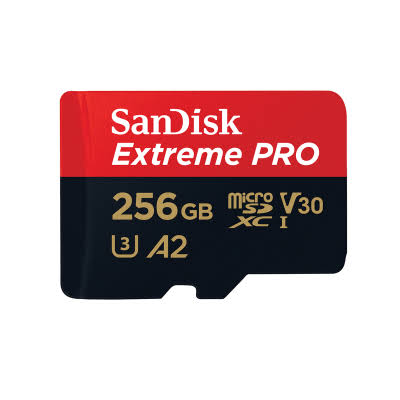
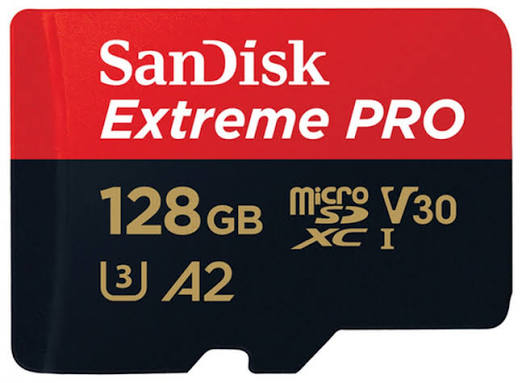
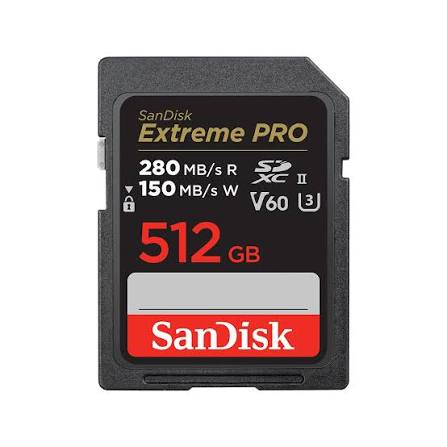
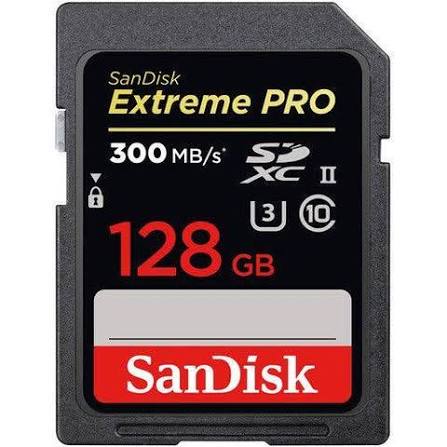
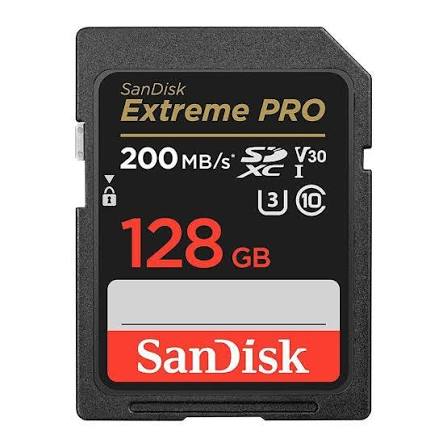
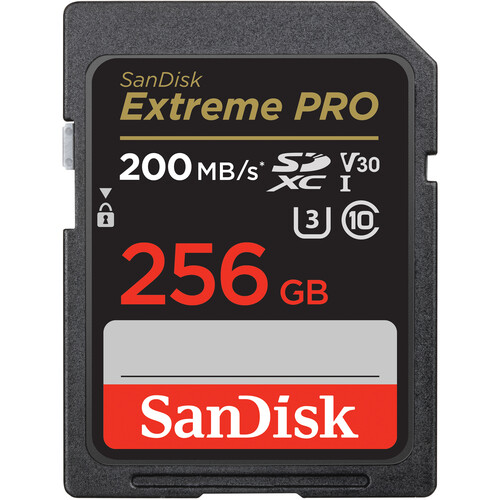
The Ultra family is generally aimed at basic and everyday use, while the Extreme and Extreme PRO families are designed for more demanding photography and video applications.
Lexar
Lexar offers memory-card families covering everyday photography through professional video and high-performance production.
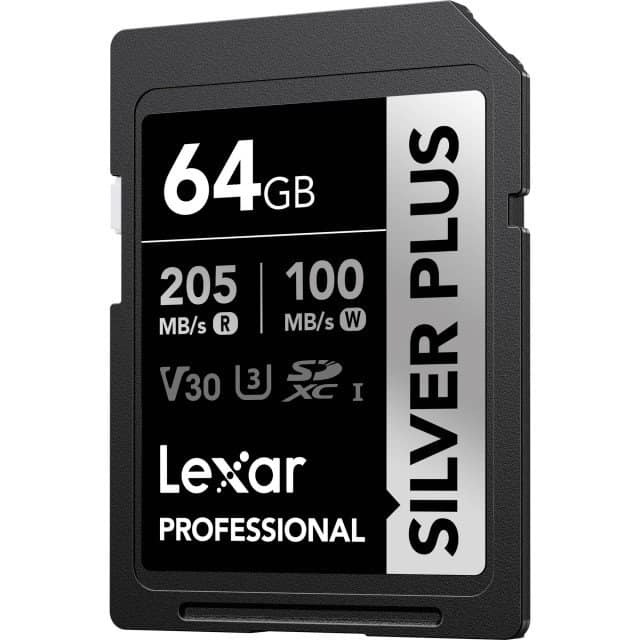
The Silver, Silver Plus, Gold and Professional Diamond ranges provide different performance levels for different workflows.
Choose by Requirement
Instead of choosing a brand based only on reputation, match the specific card series to your camera’s required interface, sustained write speed and recording format.
How Much Storage Capacity Do You Actually Need?
The right capacity depends on what you shoot, how long you shoot and how often you can offload files.
There is no single memory-card capacity that is ideal for everyone. A photographer capturing still images has very different storage requirements from a creator recording high-bitrate 4K or 8K video.
| Capacity | Suitable For | Typical Consideration |
|---|---|---|
| 64GB | Casual photography and shorter shoots | Easy to manage and suitable for lighter workloads |
| 128GB | Travel, YouTube and general content creation | A useful balance between capacity and portability |
| 256GB | Weddings, wildlife and regular 4K production | More freedom during longer shooting sessions |
| 512GB+ | 6K, 8K, RAW and demanding professional workflows | Useful when files are extremely large |
Best Memory Cards by Camera Type
Match the card format and performance level to the device doing the recording.
Mirrorless Cameras
Many mirrorless cameras use SDXC media, with UHS-I or UHS-II selected according to the camera’s recording and burst-shooting requirements.
Action Cameras
Action cameras typically use microSD cards. V30-rated cards are commonly recommended for reliable 4K and high-frame-rate recording.
Drones
Compact drones commonly use microSD cards and benefit from dependable sustained write performance during high-resolution aerial recording.
Professional Cameras
High-end hybrid and cinema cameras increasingly use CFexpress when advanced video formats and high-speed burst photography demand greater sustained performance.
Beware of Counterfeit Memory Cards
Cheap storage can become an expensive mistake when valuable photographs or footage are at risk.
Counterfeit memory cards are a serious concern for photographers and content creators. Fake cards can display unrealistic capacities or speed ratings while failing to deliver the performance printed on their packaging.
Memory Card Maintenance and Best Practices
Good storage habits can reduce avoidable problems during important shoots.
Before an important shoot, make sure the card is recognized correctly by the camera and has enough free capacity. If a card begins showing repeated errors or unusual performance problems, replace it rather than continuing to trust it with important work.
Camera and Memory Card Compatibility Guide
Choose by camera requirements, recording format and sustained write performance — not capacity alone.
Different cameras place different demands on their storage media. Resolution, burst shooting, recording codec and video bitrate can all influence which card is appropriate.
Entry-level mirrorless cameras such as the Canon EOS R50 and Nikon Z30 can work well with SDXC UHS-I V30 media for suitable photography and standard video applications.
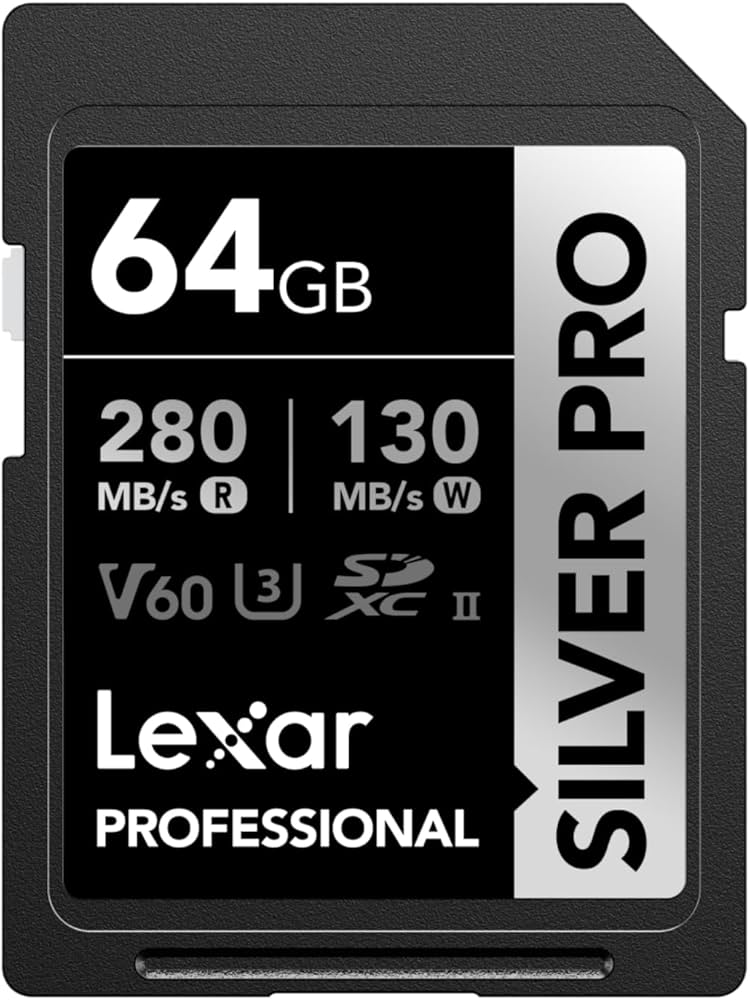
More demanding hybrid cameras can benefit from faster UHS-II media, particularly when high-bitrate video or continuous RAW photography forms an important part of the workflow. A suitable example is the Lexar Professional Silver Pro SD Card .
Professional systems may move beyond SD entirely. For example, the Canon EOS R5 Mark II is designed for demanding workflows where high-performance storage becomes particularly important.
Action cameras and compact cameras generally use microSD media. Popular examples include the GoPro HERO13 Black , DJI Osmo Action 6 and Insta360 X5 .
| Camera / Device | Recommended Memory Card |
|---|---|
| Canon EOS R50 | SDXC UHS-I V30 |
| Canon EOS R10 | SDXC UHS-II V60 |
| Sony A6700 | SDXC UHS-II V60 |
| Fujifilm X-S20 | SDXC UHS-II V60 |
| Nikon Z6 III | SDXC UHS-II V60 |
| GoPro HERO13 Black | microSD V30 |
| DJI Osmo Action 6 | microSD V30 |
| Insta360 X5 | microSD V30 |
| Sony FX3 | CFexpress Type A |
| Canon EOS R5 Mark II | CFexpress Type B |
| Nikon Z8 | CFexpress Type B |
Quick Memory Card Reference
Use these shortcuts to revisit the most important parts of the guide.
Frequently Asked Questions
Common questions about memory-card speed, capacity and camera compatibility.
Is a V30 memory card enough for 4K recording?
For many cameras, action cameras and drones, V30 media is sufficient for standard 4K recording. More demanding cameras recording high-bitrate 4K, 6K or 8K formats may require V60, V90 or CFexpress media depending on the specific recording mode.
What is the difference between UHS-I and UHS-II memory cards?
The primary difference is interface performance. UHS-II cards feature an additional row of contacts and can provide faster transfer and sustained performance than UHS-I cards. UHS-I remains an excellent choice for many beginner and general-purpose workflows.
Which memory card is best for the Canon EOS R50?
The Canon EOS R50 can work very well with reliable SDXC UHS-I V30 cards. Popular options include suitable SanDisk Extreme and Lexar Professional ranges, provided the specific card meets the camera’s requirements.
Which memory card is best for GoPro action cameras?
Modern GoPro cameras generally benefit from reliable V30-rated microSD cards from established manufacturers such as SanDisk and Lexar. The card should be compatible with the particular camera and recording mode.
Do I really need a CFexpress card?
Not necessarily. CFexpress is mainly valuable for professional workflows involving demanding video formats, high-speed burst photography or cameras specifically designed around the format. Many beginners and enthusiasts can comfortably use SDXC cards.
Is SanDisk better than Lexar?
Both brands offer well-established memory-card ranges. SanDisk has a long-standing reputation among photographers and creators, while Lexar provides competitive alternatives across several performance categories. The better choice depends on your camera’s requirements and budget.
What capacity memory card should I buy?
64GB can be suitable for casual photography, while 128GB is a practical choice for many travel photographers and creators. Larger 256GB, 512GB or higher capacities become increasingly useful for long shoots, high-resolution video and professional workflows.
How can I avoid buying fake memory cards in Pakistan?
Purchase from trusted camera retailers and established sellers. Extremely low prices, questionable packaging, incorrect branding and unrealistic capacity or speed claims should all be treated as warning signs.
Final Thoughts: Choose Storage That Matches Your Camera
The right memory card is a small investment that can protect an entire shooting workflow.
Memory cards may be small, but they are one of the most important components in a modern camera setup. The right combination of format, speed and capacity allows your camera to operate closer to its intended performance while reducing avoidable recording problems.
For beginners, the priority should be compatibility and reliability rather than simply buying the most expensive card available. As your camera and recording requirements become more demanding, faster UHS-II, V-class or CFexpress media may become necessary.
Whether you are using a mirrorless camera, action camera, drone or professional cinema system, choosing storage according to your actual workflow is one of the smartest ways to protect your photographs and video footage.
Find the Right Memory Card for Your Camera
Compare memory-card options by format, speed and capacity, and choose storage that fits your camera and shooting requirements.